
This post contains affiliate links. If you buy through them, mrwillfeed.com may earn a small commission at no extra cost to you. As an Amazon Associate we earn from qualifying purchases.
Designing templates (Canva packs, resumes, social posts) can start on any laptop. But a few affordable pieces of kit make long design sessions faster and more comfortable. Here is what is worth having, roughly in order of usefulness.
How to choose
- Start with comfort: your neck and wrists matter more than fancy gear.
- Buy only what fixes a real problem you already have.
- Check compatibility (USB-C, Bluetooth, your laptop model) before buying.
Our picks by type
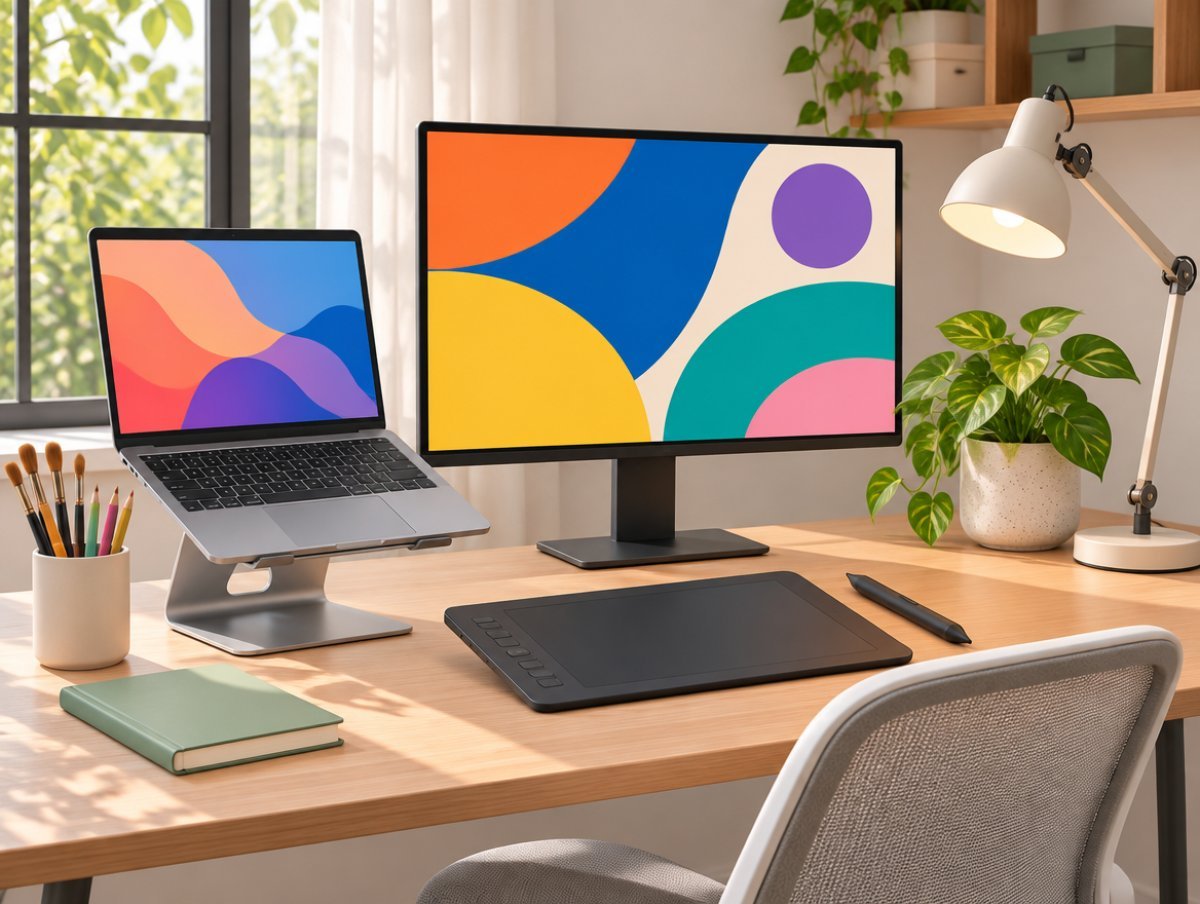
Laptop stands
Raises the screen to eye level and saves your neck.
Wireless keyboard and mouse sets
Needed once the laptop is on a stand.
A second monitor
Keep Canva on one screen and references on the other.
Graphics tablets
For hand-drawn elements, lettering and precise editing.
Portable SSDs
Keeps big design files backed up and off your laptop.
LED desk lamps
Good light for late-night design sessions.
Before you buy
You do not need all of these to start. A laptop stand and a mouse are the best first buys. Want ready-made designs instead? See our Design & Graphics collection. Prices and stock change often during festive sales, so check the details on Amazon before ordering.
This guide is part of our holiday series. See all the ideas in Evergreen Gifts That Sell All December (and All Year).